kelvasy
Let’s connect
KELVASY / CONNECTED BY DESIGN

Business networks, designed and supported.

Kelvasy designs, installs and supports business networks, from Wi-Fi and switching to private links and office phones.

Kelvasy network blueprint connecting networking, private links, Console and Labs01 — THE KELVASY ECOSYSTEM
YOUR NEXT CONNECTION

Where do we start?

01 / INFRASTRUCTURE

Build your network

From design and cabling to configuration and handover.

Explore networking
02 / CONNECTIVITY

Bring locations together

Managed private links for offices, teams and compatible phones.

Explore VPN & VoIP
03 / KNOWLEDGE

Understand the network

Plan a topology and explore logical connectivity in Labs.

Explore Kelvasy Labs
Network design

Software-defined networking (SDN)

Manage network policy from a central place. Kelvasy helps you plan how supported switches, access points and gateways can work together across one site or several.

Explore software-defined networking Request an SDN assessment
Multi-WAN project

Three internet connections. One MikroTik gateway.

See how Kelvasy brought two Starlink links and a TelOne connection together for load balancing.

Read the project story

Networking for offices, schools and hotspot operators.

MikroTik hotspot work since 2024Multi-vendor networking
A network rack coming togetherIllustration of rack-mounted network equipment: routing, switching and organised connections. An illustrative network, not a specific product model.ILLUSTRATIVE NETWORK / MULTI-VENDOR BY DESIGN
FROM EQUIPMENT TO ENVIRONMENT

Every connection.
One considered network.

Routing, switching and wireless access, planned to work together.

  1. 01

    Plan the foundation.

    Choose the links, addresses and equipment around the site.

  2. 02

    Bring the parts together.

    Mount, cable, label and configure the network.

  3. 03

    Make the connections clear.

    Test the paths, document the setup and hand it over.

Explore our approach
Managed VPN & VoIP connectivity

Link your sites and extend your office phones

A managed private VPN for offices, branches, remote workers and compatible IP phones connecting to a central IP PABX.

Connected cabinets, an IP PABX and two desk phones
Rack-mounted equipment, switching and connectivity.
WISP & RADIUS

A welcoming sign-in.
A considered access setup.

Give guests and subscribers a clear way to connect. We design captive portals around your brand and configure the supported MikroTik hotspot, RADIUS or PPPoE setup behind them.

  • Branded portal designMobile-friendly sign-in screens, clear instructions and a visual style suited to your business.
  • Access that fits the serviceVoucher and credential workflows, user profiles and bandwidth policies agreed for your deployment.
  • Configuration and handoverTest the access journey, document the setup and explain the available support options.
Explore WISP & RADIUS
KELVASY CONSOLE

From devices to
a connected view.

Bring equipment, observed topology and network activity into a shared workspace. Keep the engineering records alongside the operating view.

  • Equipment and sitesKeep supported devices and their site context together in a shared inventory.
  • Activity and topologyReview observed connections and available traffic readings when investigating your network.
  • Engineering contextPlan addressing and keep records alongside the tools you use for network operations.
KELVASY CONSOLE
EquipmentSitesActivity
EarlierLatest
Kelvasy Labs

Practise network design in Kelvasy Labs

Design virtual networks, configure devices, plan IP addressing and VLANs, and test how traffic moves through your topology before deploying on site.

A standalone learning portal for students, educators and engineers. Create an account or sign in with your existing Kelvasy account. Labs remains included within Kelvasy Console.
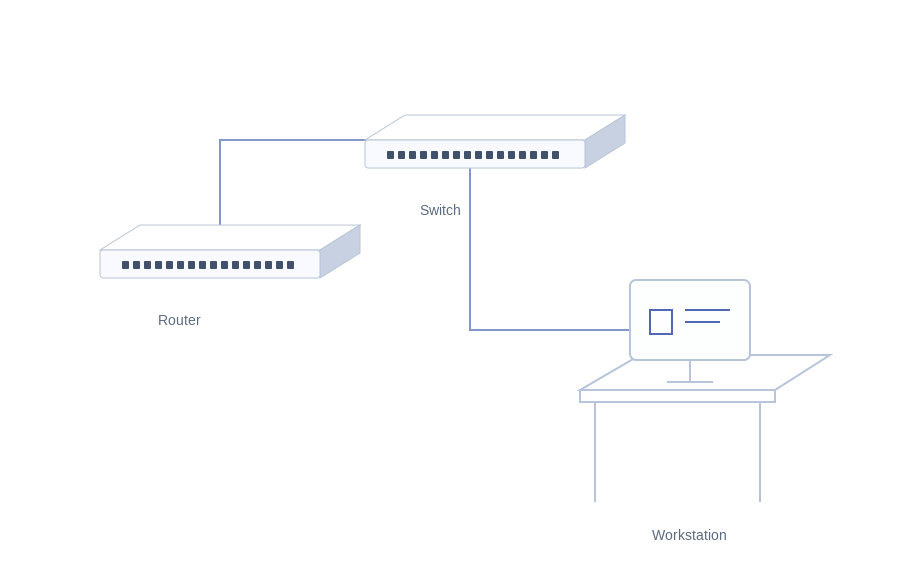
  • Design and testConnect virtual devices, explore IP addressing and VLANs, and investigate modelled packet paths.
  • Save and learnSave projects, export your work and use exercises for individual practice or classroom learning.
  • Logical simulationLabs models network behaviour; it does not run vendor firmware or real device operating systems.
KELVASY LABS
Connected router, switch and desk workstation
Design · Configure · Test
Explore the learning workspace
Networking

Internet links, routing and Wi-Fi planned together

Internet links, routing, LANs and Wi-Fi. We help the individual parts work as a network.

Explore networking See installation examples
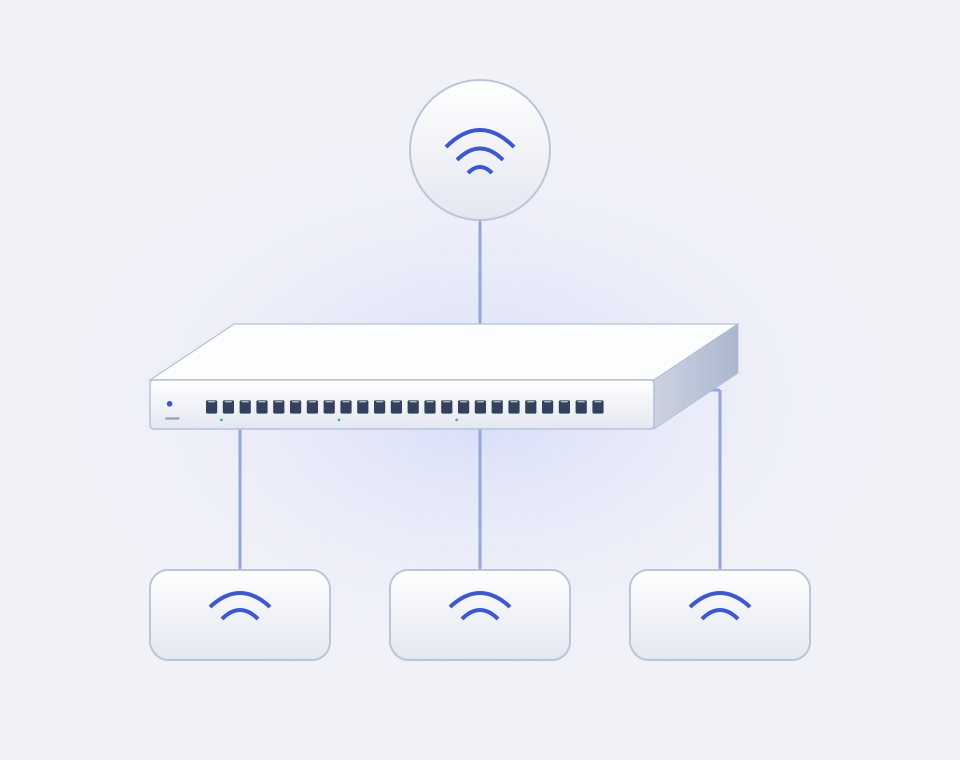
Illustrated routing and wireless connectionsDESIGN / CONFIGURATION / SUPPORT
Contact

Tell us about your network

Start a conversation
The people behind Kelvasy

The people behind Kelvasy

Meet the people behind Kelvasy. Our team brings individual experience and shared problem-solving to the networks and tools we build.

Meet the team